QB UBER DIRECT
WooCommerce delivery integration

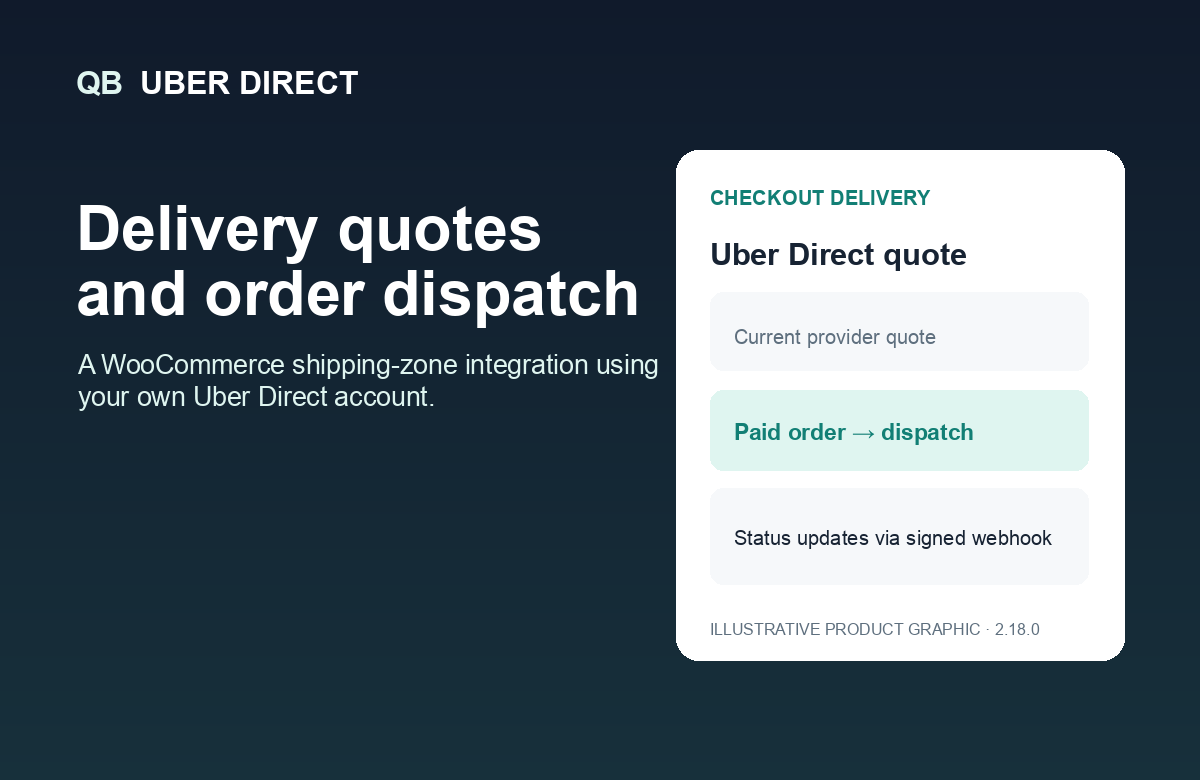
Delivery quotes and order dispatch, with your Uber Direct account.

Connect an Uber Direct shipping method to WooCommerce zones. Request a current delivery quote, dispatch eligible paid orders, and receive signed delivery updates.
Get QB Uber Direct$29.99 USD · version 2.18.0
Illustrative workflow showing a WooCommerce delivery quote, paid-order dispatch, and signed status updates

How the delivery flow works

The plugin adds a WooCommerce shipping-zone method. A quote is requested when WooCommerce calculates that method; delivery creation is attempted only after a qualifying paid-order event and a current quote.

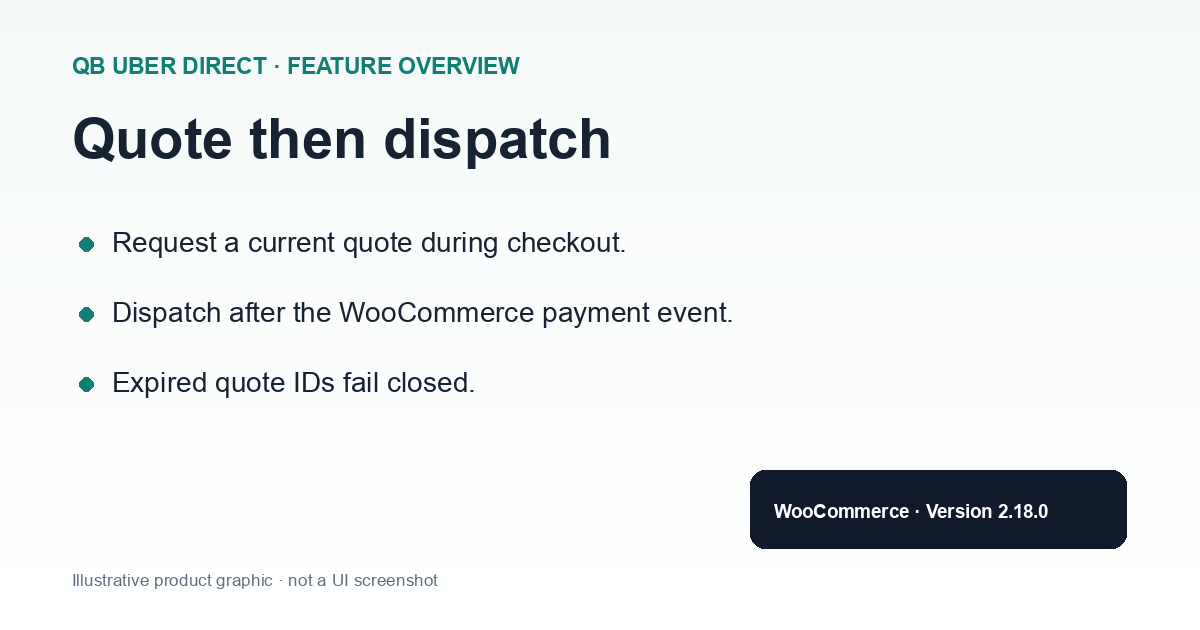
Illustration of the quote-then-dispatch flow

Quote, then dispatch

Checkout uses the current provider quote. Expired quote identifiers are rejected instead of dispatched.
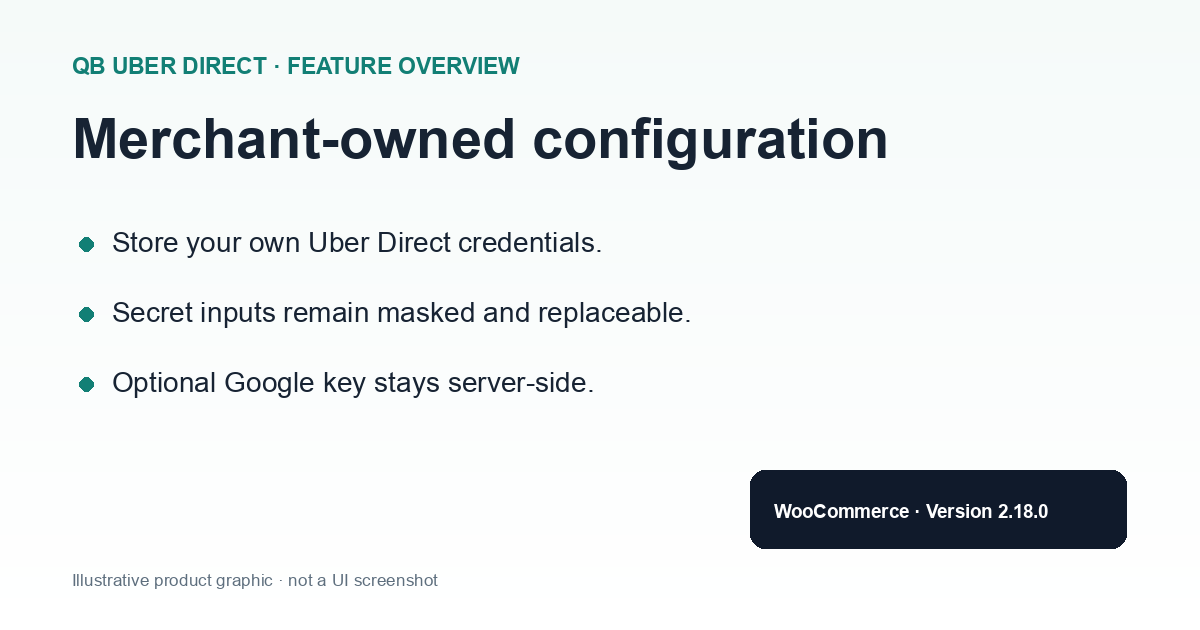
Illustration of merchant-owned credentials and masked settings

Your account and credentials

Configure your Uber Direct account in WooCommerce Admin. Secret fields stay blank, can be replaced, and can be removed.
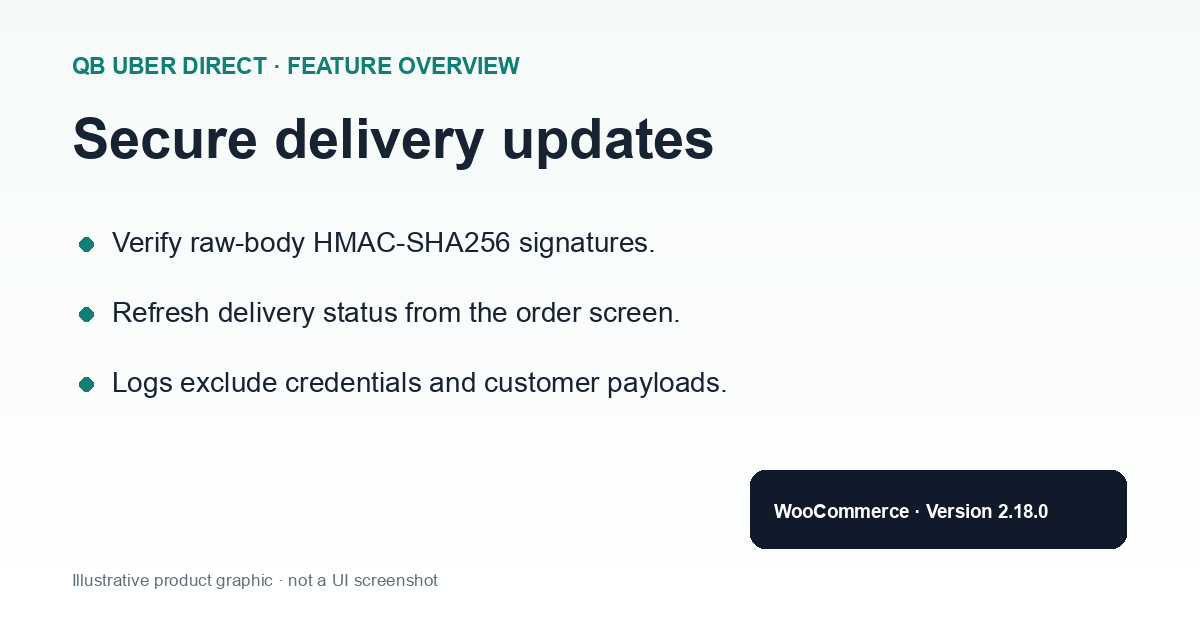
Illustration of signed webhooks and privacy-conscious logs

Signed delivery updates

Verify webhook signatures, refresh status from the order screen, and keep credentials and customer payloads out of plugin logs.

Configure the bridge in WooCommerce

Set the merchant account, pickup location, delivery options, optional Google Routes fallback, and webhook signing key in one WooCommerce settings screen. Secrets remain server-side.
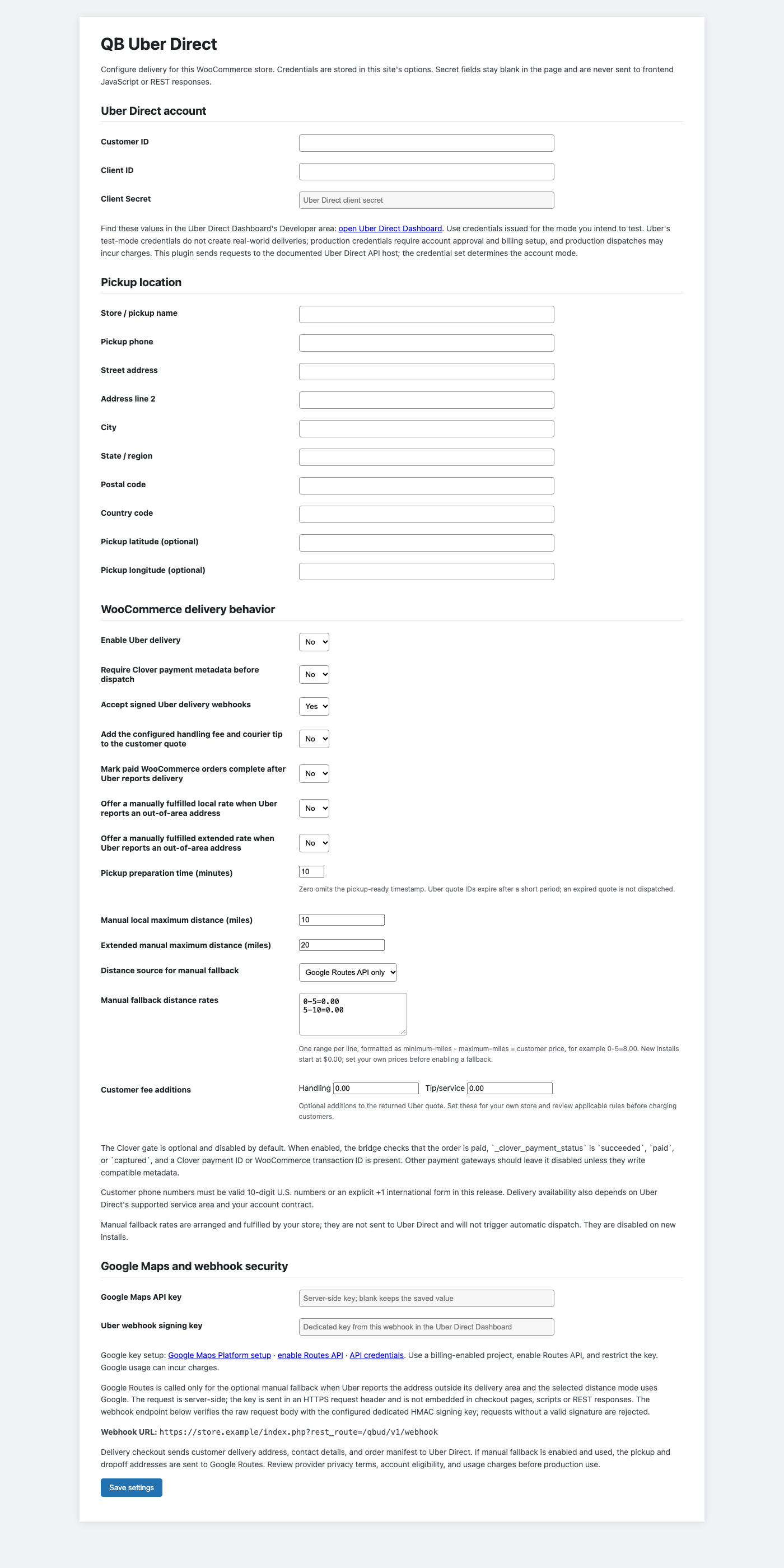
QB Uber Direct WooCommerce settings screen rendered from the plugin's settings callback with credential fields left blank
Settings screen rendered from the plugin callback on an isolated test site. It shows blank credential inputs and is not a full WordPress Admin browser screenshot.

Requirements and setup

This is a WooCommerce integration. It does not provide an Uber account, Google Maps access, delivery coverage, merchant approval, or account billing.

Required

  • WordPress and active WooCommerce.
  • Your own eligible Uber Direct account with Customer ID, Client ID, and Client Secret.
  • A configured pickup location and WooCommerce shipping zone.
  • Public HTTPS WordPress URL to receive Uber webhooks if you enable webhook updates.

Optional

  • Google Maps Platform Routes API key only for the enabled, manually fulfilled out-of-area fallback when Google is selected.
  • Clover payment metadata gate; off by default and not a Clover API or plugin dependency.
  • Store-set fees and manual local rates; new installs start with delivery disabled and no fallback charges.
External service and compatibility note. Uber production accounts require approval and billing setup; production delivery requests may incur charges. Google Maps usage may also incur charges when the optional fallback is used. Declared minimums are WordPress 6.5 and PHP 7.4; those minimum versions and the minimum WooCommerce version have not been tested. The recorded isolated test stack is WordPress 7.1.4, PHP 8.4.27, and WooCommerce 11.3.0.

QB Uber Direct Bridge

A standalone plugin for WooCommerce merchants who already operate an Uber Direct account and want a delivery quote, dispatch, and status workflow in their store.

$29.99 USD

Version 2.18.0 · One-time digital download

View on Gumroad

Includes the plugin ZIP, installation/configuration guide, README, changelog, and GPL-2.0-or-later license. No license key is required. Future releases are distributed through the product download; automatic WordPress updates are not included.